
AdReFor anyone who wants to book ads
Book billboards and screens online.
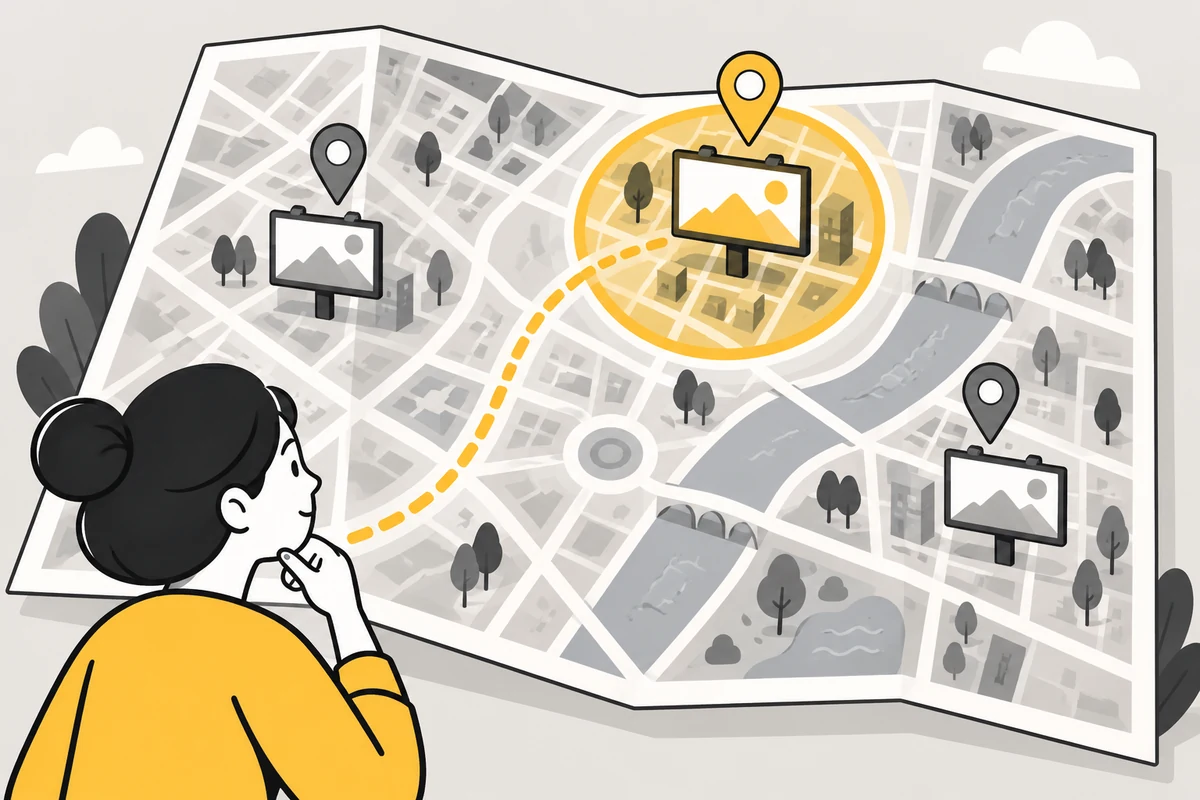
AdRe puts outdoor and indoor ad boards on one map, each with its monthly price. Pick your boards and dates, upload your ad and send your request.
Already have an account? Open dashboard
- Free to sign up
- Monthly price on every board
- Outdoor and indoor boards
Why AdRe
Plan the whole campaign yourself.
See what's out there and what it costs before you talk to anyone. Boards, sizes and monthly prices are all on the map, even before you sign up.
- Where
Choose where your ad is seen
Browse boards on a map and filter them by outdoor or indoor and by orientation. Every listing shows its location and size.
- When
Run at the times that count
Schedule your campaign for the dates you need before you submit anything.
- Cost
Know the cost before you book
Each board shows its price per month, so you can compare locations and stay within budget.
How it works
Book a campaign in six steps.
Everything happens in your free account, from a blank campaign to a submitted request.
Create a campaign
Sign up free and start a new campaign from your dashboard.
Choose a campaign mode
Decide how you want to plan it, for example by location.
Select your boards
Add boards from the map. Each one shows where it is, its size and its monthly price.
Schedule it
Set the dates your ad should run.
Upload your ad
Add the creative you want people to see.
Review and submit
Check every detail, then send your request.
What happens after you submit
Our team checks your request and gets in touch with you to take it forward.
Who it's for
For anyone with something to say.
Brands and marketing teams
Plan outdoor and indoor campaigns and compare boards on one map.
Local businesses
Put your shop, clinic or restaurant in front of the people around it.
Agencies and media buyers
Shortlist boards for clients with locations, sizes and prices in one view.
Events and personal messages
Promote a launch or an event, or share a birthday or anniversary wish.
Questions about AdRe
Also from Place For Ads
Need something else?
Ready to book your first board?
Sign up free, pick your boards on the map and send your request. Our team takes it from there.